 Copy That
Talk to your AI in an open office. No mask needed.
Saying a long prompt out loud at your desk feels odd, and your laptop’s microphone, half a metre away, picks up the room and your keyboard along with you. Here are the four ways people deal with it, and the one that needs nothing new.

Whisper at your laptop
Some dictation apps have a whisper mode. It helps with your neighbours, but your laptop’s microphone is far away, so quiet speech competes with the room and your typing, and whispered speech is harder for speech recognition in general (WhisperMask study).
Wear a mic mask
mutalk 2, Stenomask, Metadox or Skyted muffle your voice by roughly 20–30 dB and cost $139–$299. The quietest option, but it’s gear on your face. Every mask compared →
Clip on a lavalier mic
A wireless clip-on mic near your mouth gives clean audio, but you’re still talking out loud at your desk.
Use your iPhone or Apple Watch as the mic
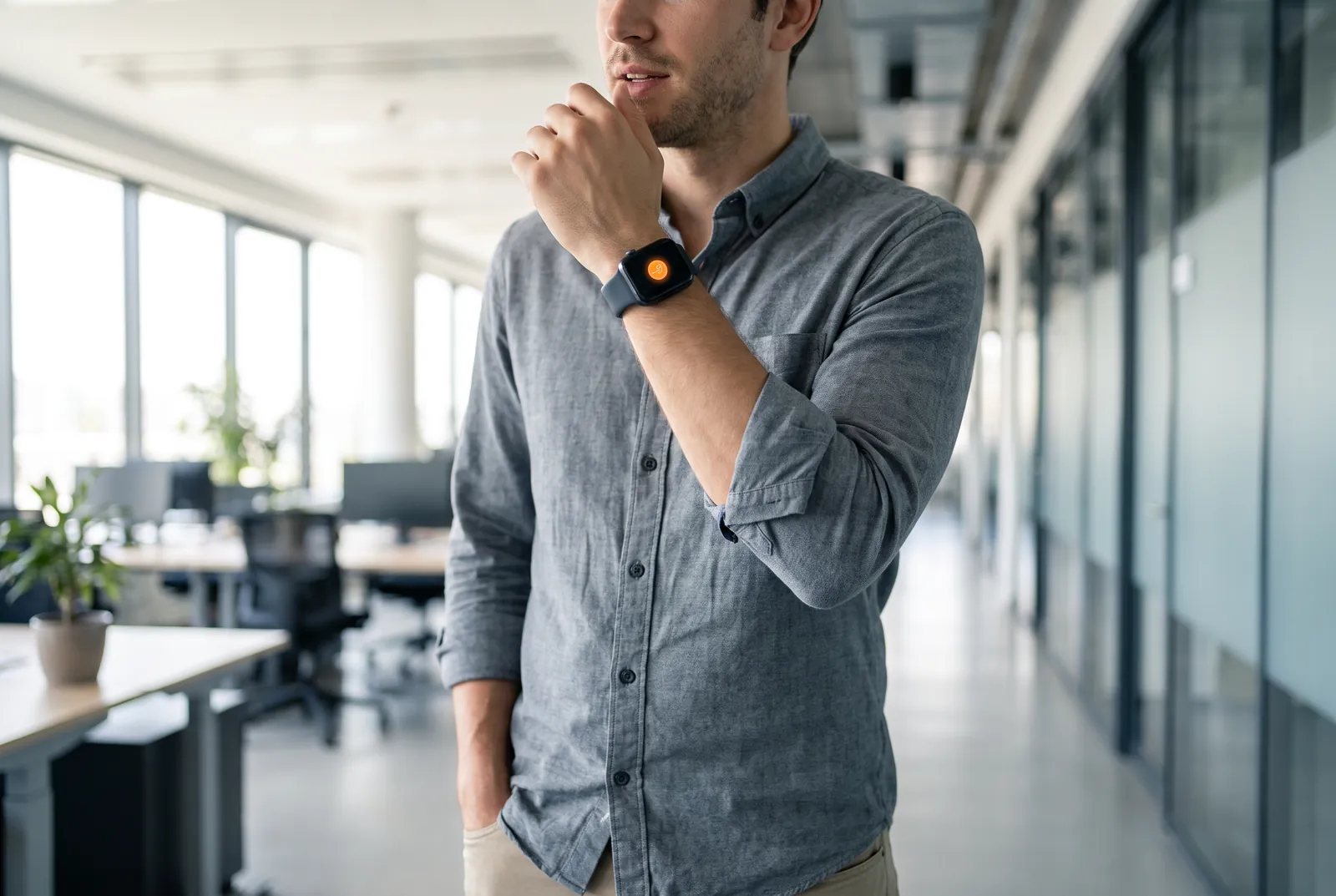
Hold your phone like a call, or raise your wrist, and talk. The mic is a few centimetres from your mouth, the posture is normal in any office, and you can walk to a quiet corner first. Copy That pastes the text into the app in front of you on your Mac.
- Step away.
Or don’t. A phone booth, the kitchen, the hallway: your Mac stays at your desk.
- Press and talk.
Phone to your face like a call, at a normal, soft voice.
- It’s pasted.
Your Mac transcribes it with Whisper and pastes it into Claude Code, Cursor or any app.
- Will my coworkers hear me?
- About as much as a short phone call. If you need complete silence, a mic mask is the right tool; if a phone-call voice is fine, your iPhone is enough.
- Can I really leave my desk while I dictate?
- Yes. Recordings go through your own iCloud, so your phone can be anywhere, even on cellular. Your Mac just needs to be awake with Copy That running.
- Can I whisper?
- Speak softly rather than whisper. Speech recognition is much better with quiet voiced speech than with true whispering, and holding the phone close lets you keep it low.
- Do my iPhone and Mac need to be on the same Wi-Fi?
- No. Recordings go through your own private iCloud, so your phone can be on cellular in a café while your Mac is at home. The Mac just needs to be awake and online.
- Where is my voice transcribed?
- On your Mac, with Whisper. Audio passes through your own iCloud account and is never sent to a speech-to-text service.
- What does it cost?
- The iPhone and Mac apps are free. The Apple Watch app is a one-time $4.99. There is no subscription.
 Aider
Aider